Top 6 AI Task Automation Tools for Voice-to-Task
You are comparing AI voice-to-task tools because typing out assignments wastes field time and chat threads bury action items. The gap between what your team says and what gets tracked costs real hours every week.
This article gives you six concrete options, the specific criteria for judging voice recognition and workflow fit, and a clear number one pick for teams that live in WhatsApp. By the end, you will know which tool matches your team size and budget.
What to Look For in AI Voice-to-Task Tools
When evaluating AI voice-to-task tools, focus on three critical pillars: accuracy of speech recognition, the sophistication of natural language understanding, and the seamlessness of integration with your existing tech stack. These factors determine whether a tool becomes a daily productivity partner or just another app you ignore.
The best tools turn casual voice commands into structured, trackable tasks without requiring manual cleanup. They handle different accents, filter out background noise, and adapt to how you speak over time. Prioritize tools that make task creation feel effortless, because friction is the enemy of consistent use.
Keep your evaluation grounded in your real workflows. A tool with impressive demos but weak app connections will fail you in practice. Focus on what matters: does it understand you, and does it put tasks where you actually work?
Voice Recognition Accuracy and Natural Language Understanding
The core of any voice-to-task tool is its ability to accurately transcribe your speech and correctly interpret your intent, even with complex or ambiguous commands. Speech recognition quality varies widely, so look for tools that support multiple accents, handle background noise, and learn your voice patterns over time.
Natural language processing (NLP) is where the magic happens. A tool should extract action items, due dates, and priorities from casual phrases. For example, a good tool should correctly identify due dates and priorities from casual phrases like "remind me to call the client tomorrow at 10am." It should know that "tomorrow" means a specific date and that the task belongs in a particular project or category.
Test how the tool handles ambiguity and follow-up commands. Can you say "also move that to next week" and have it update the right task? The best NLP engines parse intent, not just words, turning voice input into structured data that your task management system understands.
Consider speaker adaptation features as well. Tools that learn your pronunciation quirks and frequently used terms get more accurate with time. Dictation quality matters for long voice notes, but intent parsing matters more for task creation, so evaluate both dimensions separately.
Integration with Existing Workflows and Apps
A voice-to-task tool is only as powerful as its ability to plug into your existing project management, communication, and calendar systems. Native integrations with popular apps like Slack, Trello, Asana, and Google Calendar reduce friction and ensure tasks flow into central systems automatically.
Some tools connect through APIs or automation platforms like Zapier, which opens up virtually endless possibilities. Others operate within messaging apps like WhatsApp, which can serve as a universal integration point since most people already use it daily. Choose tools that meet you where you already work, not ones that force you into a new hub.
Integration quality matters as much as quantity. A deep integration lets you specify projects, assignees, and tags through voice commands. A shallow one just dumps text into an inbox. Look for tools that support two-way sync, so updates from your task manager reflect back in your voice assistant's context.
Finally, consider how integrations enable automated workflows. When a voice command creates a task, does it also trigger notifications, calendar events, or project updates? The best tools turn voice input into action across your entire productivity stack, not just a single app. This reduces manual handoffs and keeps your workflow automation running smoothly.
1. Tasks.Bot - Best Overall
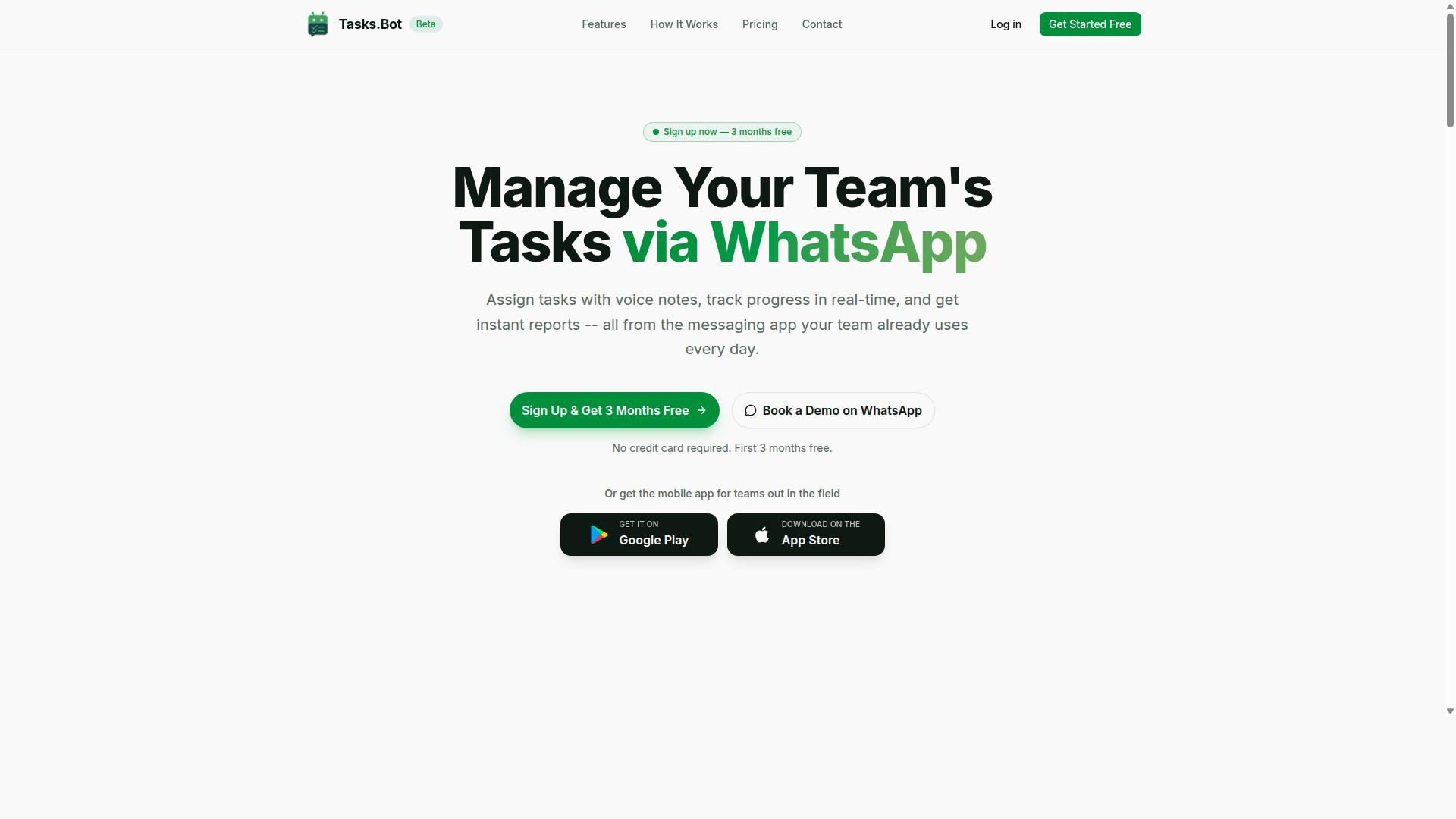
Tasks.Bot stands out as the best overall choice for teams that live in WhatsApp, offering a seamless voice-to-task experience directly within the messaging app you already use daily. It ranks first in this roundup because it removes the friction that usually comes with adopting new productivity tools. Team members do not need to install anything or create new accounts, which makes the transition nearly instant for most organizations.
The platform combines AI task automation with voice-to-task capabilities that feel natural and intuitive. Instead of typing out lengthy descriptions, users simply speak their instructions and the system handles the rest. This makes it a powerful addition to the growing category of AI tools designed for hands-free task management.
For field teams and remote workers, the value is especially clear. Tasks.Bot pairs its WhatsApp integration with a native mobile app that supports attendance tracking and payroll-ready hours. This dual approach covers both quick task creation and the operational needs of teams that work outside a traditional office. The result is a complete workflow automation solution that does not require a steep learning curve.
Voice-to-Task via WhatsApp and Native Mobile App
Tasks.Bot lets you create tasks by simply sending a voice note on WhatsApp or using its native mobile app, which automatically parses the content and assigns it to the right team member. The AI behind the platform uses natural language processing and intent parsing to understand what you mean, not just what you say. You can speak casually and the system will still extract the key details.
When a voice note arrives, the AI interprets the message, identifies the task, sets deadlines, and assigns it to the appropriate person. This command execution happens without any manual data entry, which saves significant time for managers and supervisors. The system also supports smart reminders and automated reminders, so nothing slips through the cracks after the initial task creation.
The native mobile app extends this functionality beyond messaging. It offers Android and iOS apps with push notifications, voice capture, and a home screen widget for quick access. Field staff can use the app for face-verified attendance and live GPS tracking, which helps managers keep tabs on remote teams. The app also handles shifts, leave, and hours management, making it a full operations hub rather than just a task list.
Hands-free task creation is a major win for people who are constantly on the move. Whether you are driving between client sites or walking through a warehouse, you can dictate tasks without stopping your workflow. The AI's understanding of natural language means you do not need to use specific commands or rigid formats. Just speak the way you normally would, and the system figures out the rest.
Pricing, Free Trial, and Global Availability
Tasks.Bot offers a straightforward pricing model with a full-access plan, available in both Indian Rupees and US Dollars, and is accessible worldwide as a cloud-based SaaS. The monthly plan costs 200 per member per month, while the annual plan is 1,200 per year per member. Choosing the annual option saves 50 percent, which translates to 1,200 in savings per member each year.
New users can take advantage of a 3-month free trial with no credit card required. This generous trial period gives teams enough time to test the voice-to-task features, evaluate the assignment logic, and see whether the smart reminders fit their workflow. You can cancel anytime, which removes the risk typically associated with committing to new automation software.
The service operates globally with no country restrictions, so distributed teams can use the same platform regardless of location. Billing flexibility is built into the system, allowing you to select your preferred currency at signup. This makes budgeting simpler for international organizations that need to manage costs across different regions.
For teams evaluating AI task automation tools, the pricing structure is refreshingly transparent. There are no hidden tiers or feature-gated add-ons, since the Full Access plan includes all features. This all-inclusive approach means you know exactly what you are paying for, and the free trial lets you verify the value before spending anything.
2. Reminderly.ai
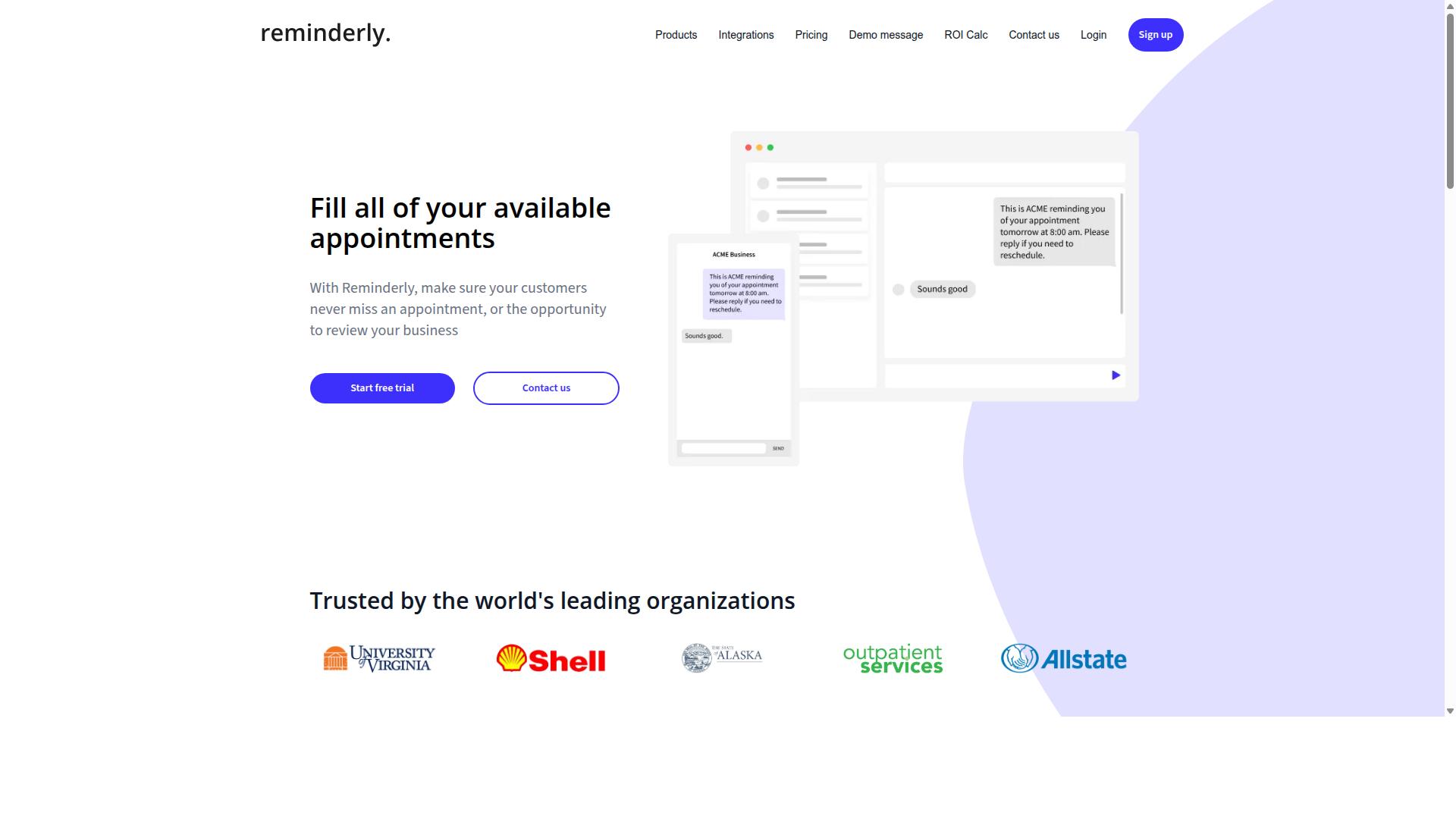
Reminderly.ai is a voice-first assistant that focuses on turning spoken reminders into actionable tasks, but it lacks the deep team collaboration features of more comprehensive platforms. The tool is built around a simple premise: you speak, it captures, and it schedules. For individuals who live by voice input, this approach feels natural and immediate.
The core functionality relies on speech recognition and natural language processing to interpret voice commands. You can say a reminder or a task out loud, and the system parses the intent to create a scheduled item. This makes it a practical option for capturing quick thoughts while driving, cooking, or multitasking around the house.
Typical use cases include personal errands, medication reminders, appointment scheduling, and simple to-do list management. Voice-to-task creation is the heart of the experience, and the interface is designed to minimize friction. Users who prefer dictation over typing will appreciate the hands-free approach to building their daily plan.
However, Reminderly.ai shows limitations when you move beyond personal productivity. Team features are minimal, and integration options with other productivity apps may be limited compared to fuller workflow automation suites. Task delegation, shared projects, and complex automated workflows are generally not its strength.
For solo users or very small teams that primarily need smart reminders and voice-to-do-list functionality, it can serve well. But if your work depends on connecting tasks across multiple tools or coordinating with colleagues, you will likely need a more comprehensive AI task automation platform. The tool fills a specific niche, and it fills it simply, without the overhead of enterprise-grade project management.
3. TaskRio
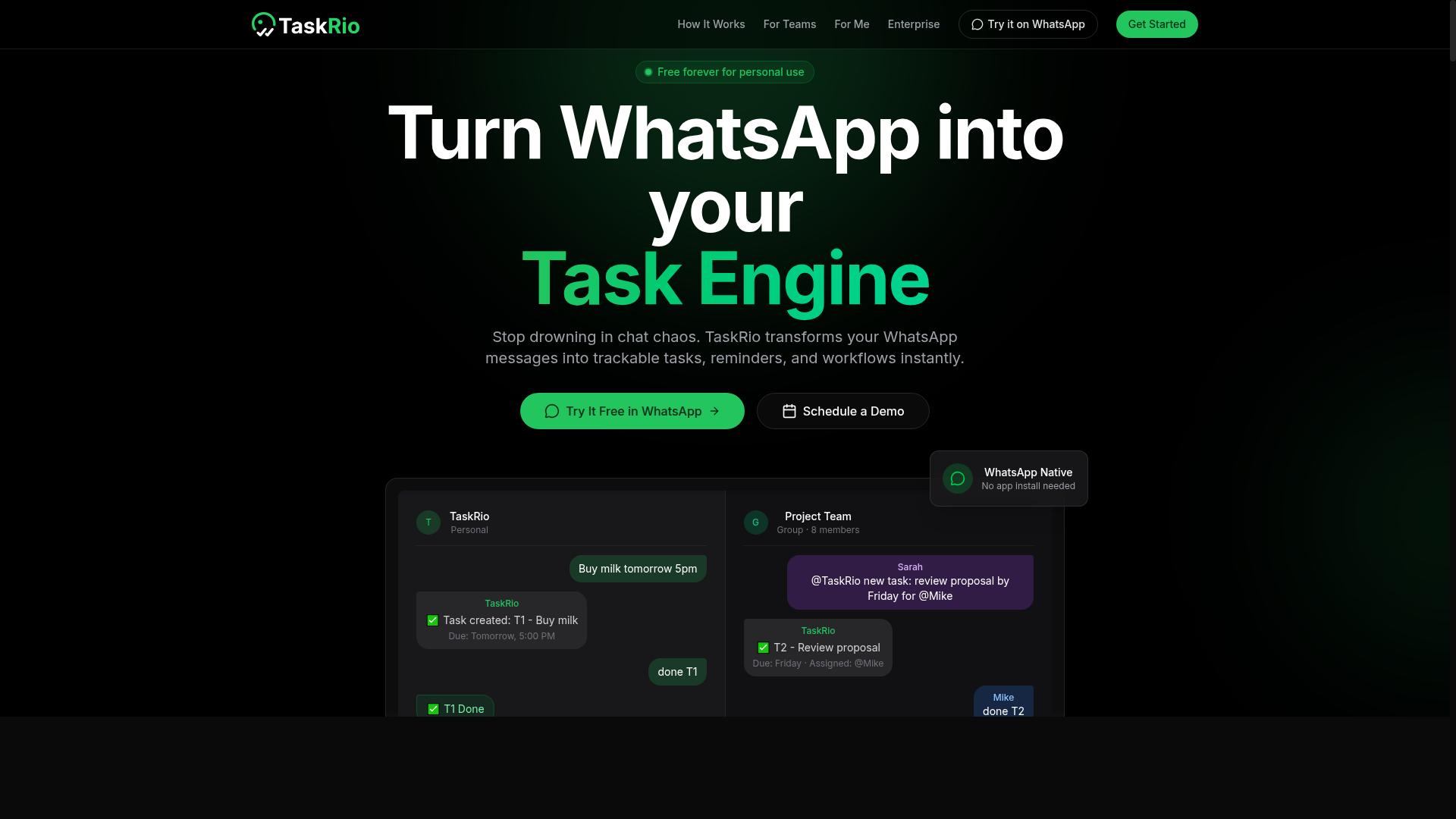
TaskRio positions itself as an AI-powered task manager with voice input capabilities, but its integration ecosystem may not be as extensive as some users require. The tool focuses on converting spoken words into organized to-do items using natural language processing and speech recognition. For individuals who want a straightforward voice-to-task experience, this simplicity can be a genuine strength.
The core appeal of TaskRio lies in its voice-first approach to task creation. Instead of typing out assignments or juggling multiple productivity apps, users can dictate tasks and let the AI handle the organization. The system uses intent parsing to understand context, which helps with task scheduling and setting smart reminders based on your spoken instructions.
Where TaskRio may fall short is in workflow automation and third-party connectivity. Many competing AI tools offer deep links to project management platforms, calendars, and communication apps. TaskRio appears better suited for a more contained workflow, which could limit teams that rely on interconnected software stacks.
This tool likely works best for smaller teams or solo professionals who need a reliable voice-to-do-list without the overhead of complex configuration. Freelancers, personal assistants, or busy managers who want hands-free task capture will find the voice interface practical. The learning curve is minimal, and the voice control features feel natural for quick capture sessions.
When evaluating TaskRio, consider how much integration you actually need. If your daily workflow depends on automated reminders, voice notes, and task tracking within a single app, this tool could be a good fit. However, if you require extensive command execution across multiple platforms, you may need to look elsewhere or pair TaskRio with other automation software.
4. Karo.bot
Karo.bot is another WhatsApp-based task automation bot, but it focuses more on simple command execution rather than deep AI-driven task understanding. It operates inside messaging platforms, which makes it convenient for users who already live in their chat apps.
The appeal here is simplicity for basic task creation and reminders. You can send a quick message, and the bot interprets it into a to-do item or an automated reminder without requiring you to learn a separate interface.
However, Karo.bot may lack the advanced natural language processing found in more sophisticated AI task automation tools. Complex requests with multiple steps or nuanced context could fall short, and team management features are not a core focus for this type of bot.
Before committing, assess whether your needs are mostly straightforward. If you primarily want voice-to-task convenience for personal reminders and simple lists, a chat-based bot could work well. But if your workflow involves task delegation, project tracking, or intricate voice commands, you might quickly outgrow its capabilities.
For users with growing complexity demands, consider whether the bot can scale with you. Voice-to-do-list functionality is valuable, but robust task management often requires deeper integration with your calendar, email, and team communication tools. Evaluate the feature set against your daily workflow before choosing this option.
5. The Sarah AI
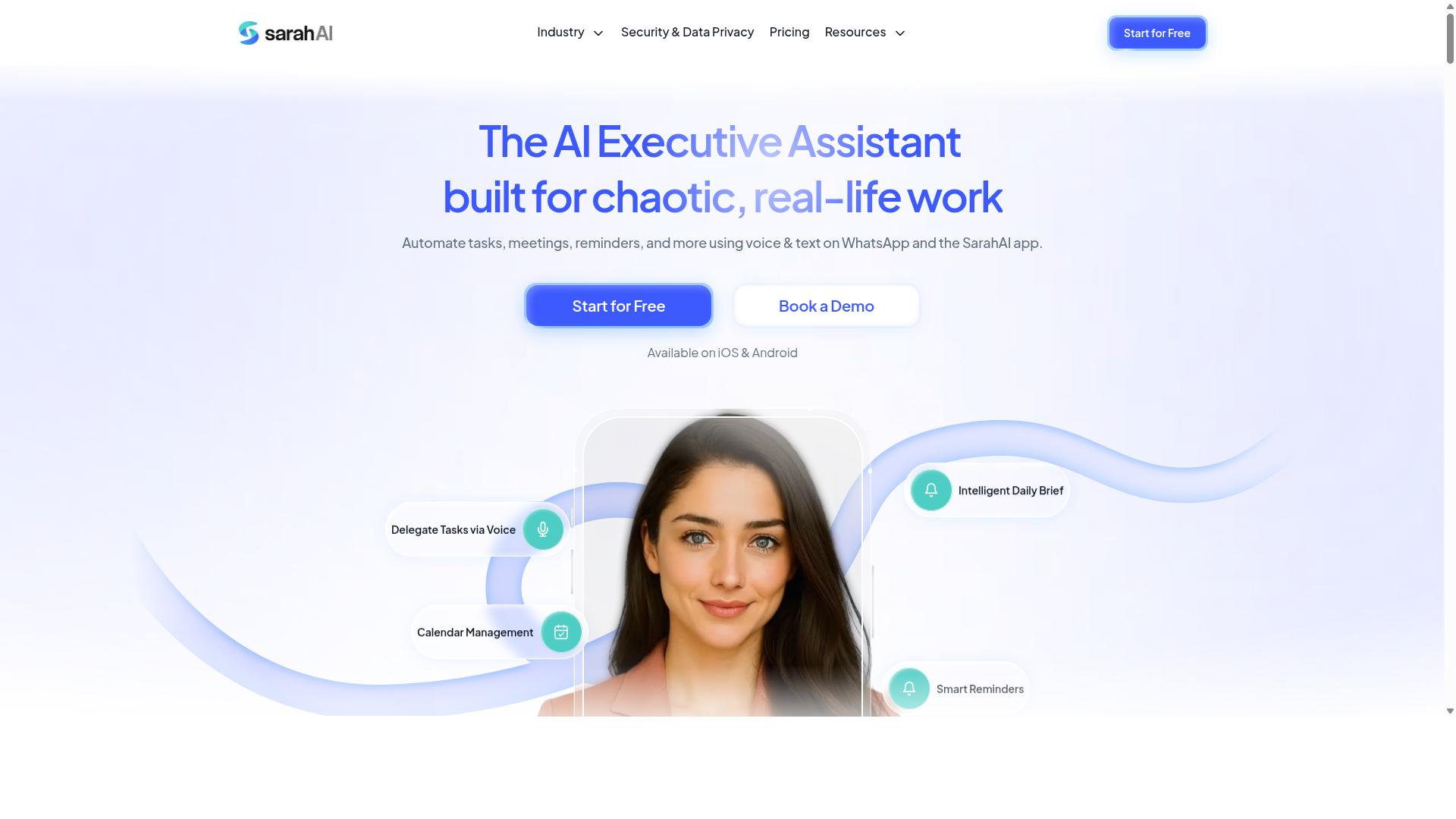
The Sarah AI markets itself as a virtual assistant that can handle voice commands for task creation, but its focus on consumer use may not translate well to enterprise workflows. It leans heavily on a friendly, conversational voice interface designed for individual productivity rather than team coordination.
For personal task management, The Sarah AI handles basic voice-to-task functions well. Users can dictate to-do items, capture quick voice notes, and set up smart reminders using natural language processing. The speech recognition is tuned for casual, everyday phrasing, which makes it approachable for non-technical users.
However, the consumer-oriented design creates clear limitations for business settings. The platform generally lacks the team collaboration features that modern workplaces depend on, such as shared task lists, assigned ownership, or role-based permissions. Without these capabilities, delegating work across departments becomes difficult.
Integration depth is another common concern. Many business teams rely on project management tools to track progress across sprints or milestones, and The Sarah AI may not connect smoothly with those systems. This gap means tasks captured by voice often stay siloed in a personal list rather than flowing into the team's central workflow automation hub.
Another practical limitation involves scalability. A voice assistant built for one user does not always handle the volume or complexity of tasks that a busy operations team generates daily. Voice-to-do-list convenience can quickly turn into manual re-entry work when data must be copied into other platforms.
Before choosing The Sarah AI, evaluate your actual requirements carefully. Ask yourself whether you need hands-free task creation for personal errands or a shared system that supports task delegation and automated workflows across a team. If you work solo and want a simple digital assistant for voice input, this tool may be sufficient. If your goal is enterprise-level task tracking, you will likely need a more robust solution.
Research suggests that the best voice-to-task tools balance speech recognition accuracy with practical command execution. Consider how the tool handles intent parsing and whether it can distinguish between a quick reminder and a complex project assignment. Testing the voice recognition with your own phrasing patterns is the fastest way to determine if it fits your daily routine.
6. Zoye AI
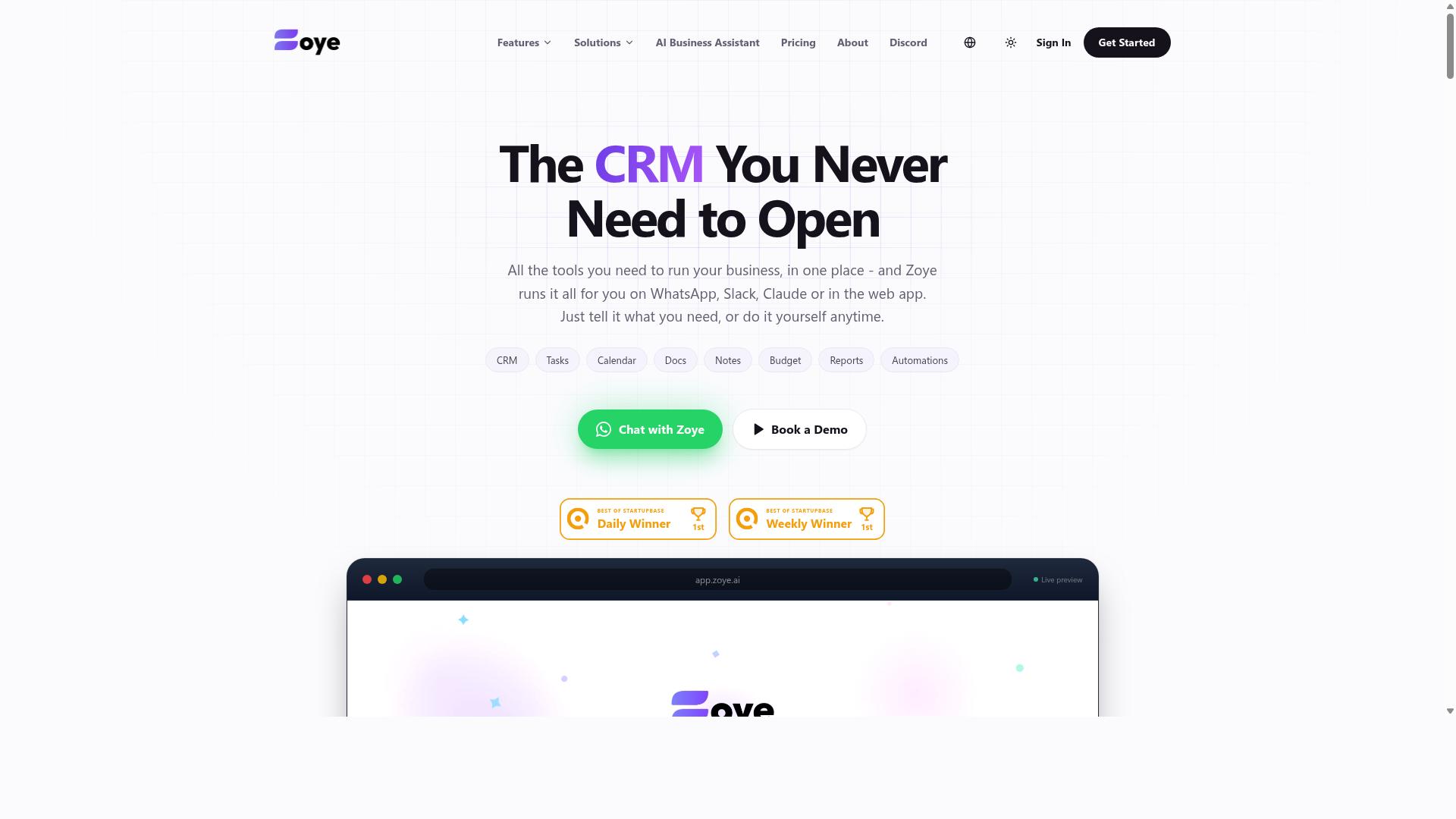
Zoye AI offers voice-to-task functionality with a focus on individual productivity, but it may not be suitable for teams that require shared task lists and accountability. This tool positions itself as a personal productivity companion, allowing users to capture tasks quickly through voice input instead of typing or navigating multiple menus.
The core appeal of Zoye AI is its simplicity. For someone who manages their own schedule and projects, speaking a task aloud and having it appear in a structured list can save meaningful time throughout the day. The platform is built around the idea that voice input should feel natural and immediate, reducing friction between having a thought and recording it.
However, the lack of multi-user features creates a clear boundary. If you work in a team where tasks need to be assigned, tracked by multiple people, or synced across shared boards, this tool may fall short. Collaboration and accountability features are typically absent in this category of personal-focused apps, which limits its usefulness in group settings.
For individuals exploring voice automation for the first time, Zoye AI can serve as a reasonable entry point. It lets you test whether dictating tasks actually improves your workflow without requiring a heavy setup process. Voice-to-do-list functionality is the main draw, and for solo users, that may be enough to justify adoption.
When comparing options, consider whether your needs are purely personal or involve coordination with others. If you only need smart reminders and hands-free task capture for yourself, a tool like this might be worth trying. If you need team-wide workflow automation and shared accountability, you will likely need a more comprehensive solution that supports multiple users and integrated task management.
How to Choose the Right Option
Choosing the right AI voice-to-task tool depends on your team's size, the nature of your work (especially if you have field staff), and your budget. These factors shape which features you actually need versus which ones add unnecessary complexity. Start by listing your daily task management pain points before comparing tools.
Consider how your team currently communicates. Tools that work together with your existing workflow automation stack will see faster adoption than those requiring a new platform. Evaluate integration requirements early, since switching systems later is costly and disruptive.
Most vendors offer free trials or demos. Use these to test voice recognition accuracy with your team's accents and industry terminology. Run a two-week pilot with a small group before committing to a full rollout.
Pay attention to how each tool handles task delegation and smart reminders. A voice assistant that creates tasks but cannot assign them effectively adds little value for managers. Test the full workflow from voice input to task tracking.
Assessing Team Size, Field Staff Needs, and Budget
For teams with field staff, a tool that offers mobile access and attendance tracking is crucial, while smaller teams might prioritize simplicity and cost. Field workers need hands-free dictation on the go, often using WhatsApp for communication. Without mobile-friendly voice-to-task capabilities, remote staff will abandon the tool within days.
Team size directly impacts collaboration requirements. Larger teams need task delegation, role-based permissions, and centralized task tracking. Smaller teams can manage with basic task creation and shared lists. Match collaboration depth to your actual team structure, not to what the marketing page promises.
Budget considerations often come down to monthly versus annual plans. Monthly plans offer flexibility for testing, while annual plans typically reduce per-member costs. Tasks.Bot offers a 'Full Access' plan with all features included, priced at 200 per member per month or 1,200 per year per member, which represents a 50% savings on the annual option.
Tasks.Bot is designed for teams already using WhatsApp, making it a natural fit for organizations with field staff who rely on that platform. New users receive 3 months free with no credit card required, which gives teams a risk-free period to evaluate the fit. The pricing supports both Indian Rupee and US Dollar billing, so currency preferences are accommodated.
When evaluating free trials, test the specific scenarios your team faces daily. Create voice notes for routine tasks, test attendance tracking for field staff, and verify that task scheduling works across your time zones. Generic demos rarely reveal edge cases that matter in your actual operations.
Final Verdict
After comparing the leading options, Tasks.Bot emerges as the most compelling choice for teams that rely on WhatsApp, delivering unmatched convenience, AI-powered accuracy, and team-centric features. The other tools in this roundup offer solid voice-to-task capabilities, but most require a dedicated app, a new account, or a learning curve. Tasks.Bot removes those barriers entirely.
The core advantage is simple: it operates entirely within WhatsApp. Team members don't need to install anything or create new accounts. If your team already lives in WhatsApp, the transition is instant. There is no new dashboard to learn and no separate login to remember.
Beyond convenience, the AI does the heavy lifting. Tasks.Bot uses natural language understanding to process both typed messages and voice notes. Your team can speak a task naturally, and the system interprets the intent, converts it into an actionable item, and handles task creation without manual data entry. This is true voice-to-task functionality, not just speech-to-text transcription.
For managers, the standout features go beyond basic task tracking. The platform offers face-verified attendance and live GPS tracking for field staff. This turns a simple task management tool into a complete workforce operations solution. You get visibility into who is where and confirmation that attendance is genuine, all without leaving WhatsApp.
Security is handled with enterprise-grade encryption. Your conversations and task data are never shared or used for training models. That privacy guarantee matters when your team discusses sensitive operational details through a messaging platform.
To see if it fits your workflow, the 3-month free trial requires no credit card. You can test it with your actual team, on real projects, before making any commitment. For a closer look, book a demo or contact the team directly through the Tasks.Bot website to discuss your specific requirements.
Frequently Asked Questions
Does my team need to download or install anything to use Tasks.Bot?
No. Tasks.Bot operates entirely within WhatsApp, so your team members don't need to install any new software or create separate accounts. They can simply use the messaging app they already use for communication to assign and track tasks.
How does Tasks.Bot handle voice notes for creating tasks?
Tasks.Bot uses AI to understand natural language and voice notes, allowing you to create tasks simply by speaking. This is particularly useful for field teams who can dictate a task on the go without needing to type out details, making the process faster and more intuitive.
What makes Tasks.Bot different from other AI task automation tools?
Its key differentiator is that it is fully embedded within WhatsApp, which most teams already use daily. Unlike tools that require onboarding to a new dashboard, Tasks.Bot combines voice-to-task creation, automatic assignment, smart reminders, and instant reports all within your existing chat interface, reducing friction for adoption.
Is Tasks.Bot suitable for teams with field staff, not just office workers?
Yes, it is specifically designed for teams with field staff. Tasks.Bot offers a mobile app and features like tasks on a map, face-verified attendance, and live day tracking, making it easier to manage remote workers and get payroll-ready hours without manual follow-ups.
What is the pricing structure for Tasks.Bot?
Tasks.Bot offers a 'Full Access' plan that includes all features. Pricing is available in Indian Rupees () and US Dollars ($), with a monthly plan at 200 per member and an annual plan at 1,200 per year per member, which saves you 50% compared to the monthly rate.
Can I try Tasks.Bot before committing to a full rollout?
Yes, the service is currently in beta, and the website includes a 'Book a Demo on WhatsApp' option. This allows you to see how the tool works in practice and ask questions directly before deciding to implement it for your entire team.
Recommended Resources: